


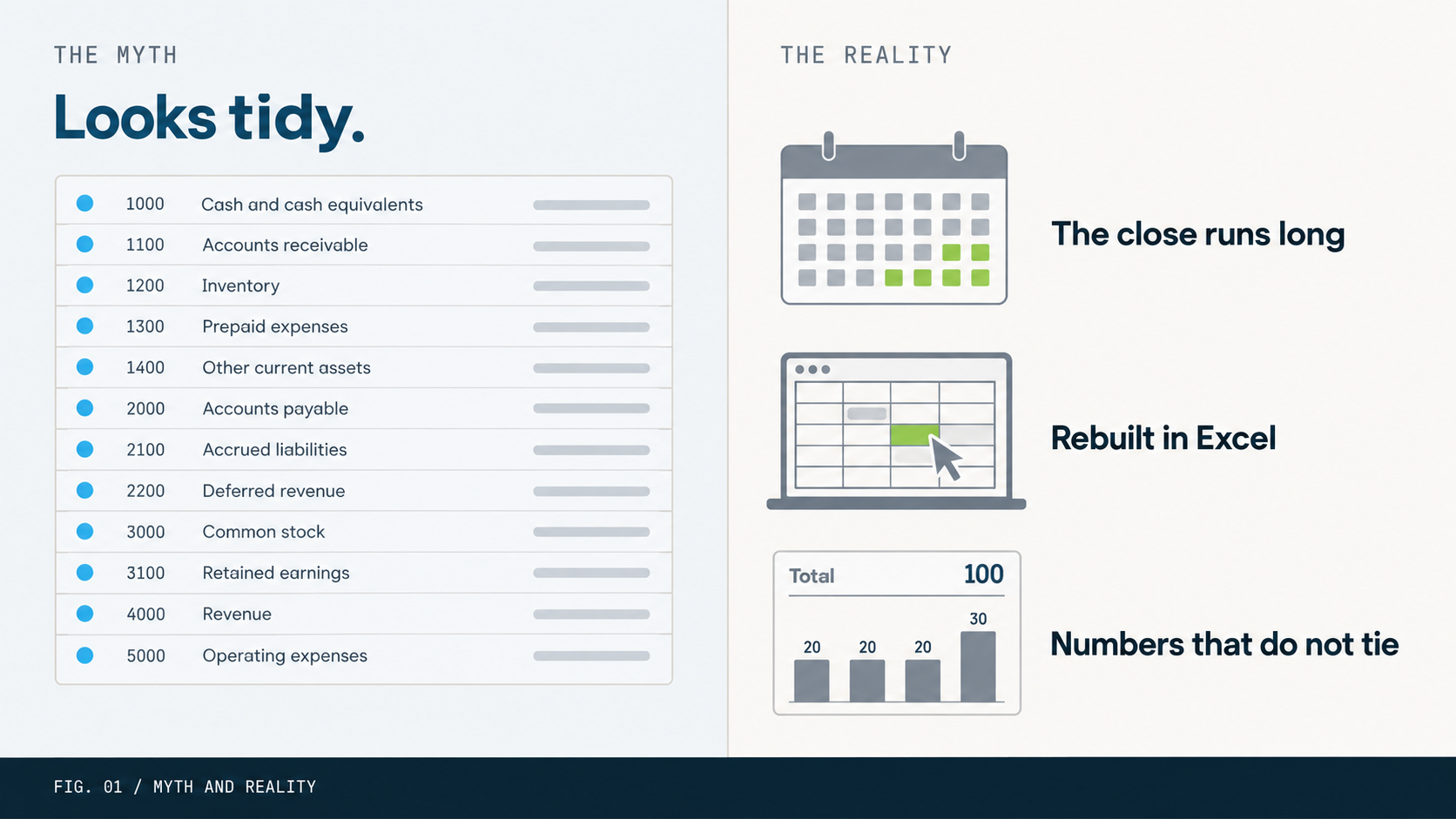
In Business Central, the chart of accounts is not where reporting starts. It is where reporting is decided. Every account you create sets what a report can show, how fast the close runs, and whether Power BI returns numbers anyone can trust.
Most teams do not treat it that way. They set it up early, on autopilot, before anyone has asked what the reports need to do. The bill arrives months later as a slow close, numbers that do not tie, and a dashboard nobody believes.
The setup was not wrong because the team was careless. It was wrong because it followed a few comfortable assumptions. Here are six of them, and what to do instead.
MYTH 01 / THE ASSUMPTION
The chart of accounts is an accounting task.
Reality. It is a reporting design decision wearing an accounting costume.
The chart of accounts usually lands on a controller’s desk in week one. They build what they know, map it from the old system, and get it approved. Then the project moves on. But every account defines a line that can appear on a report, a budget, a consolidation, and an audit for as long as it exists. Create an account without a report in mind and you are guessing at what the business will need to see. Design it as a reporting decision, because that is what it is.
MYTH 02 / THE ASSUMPTION
More accounts means better reporting.
Reality. Every account is a cost, and the detail you want usually belongs somewhere else.
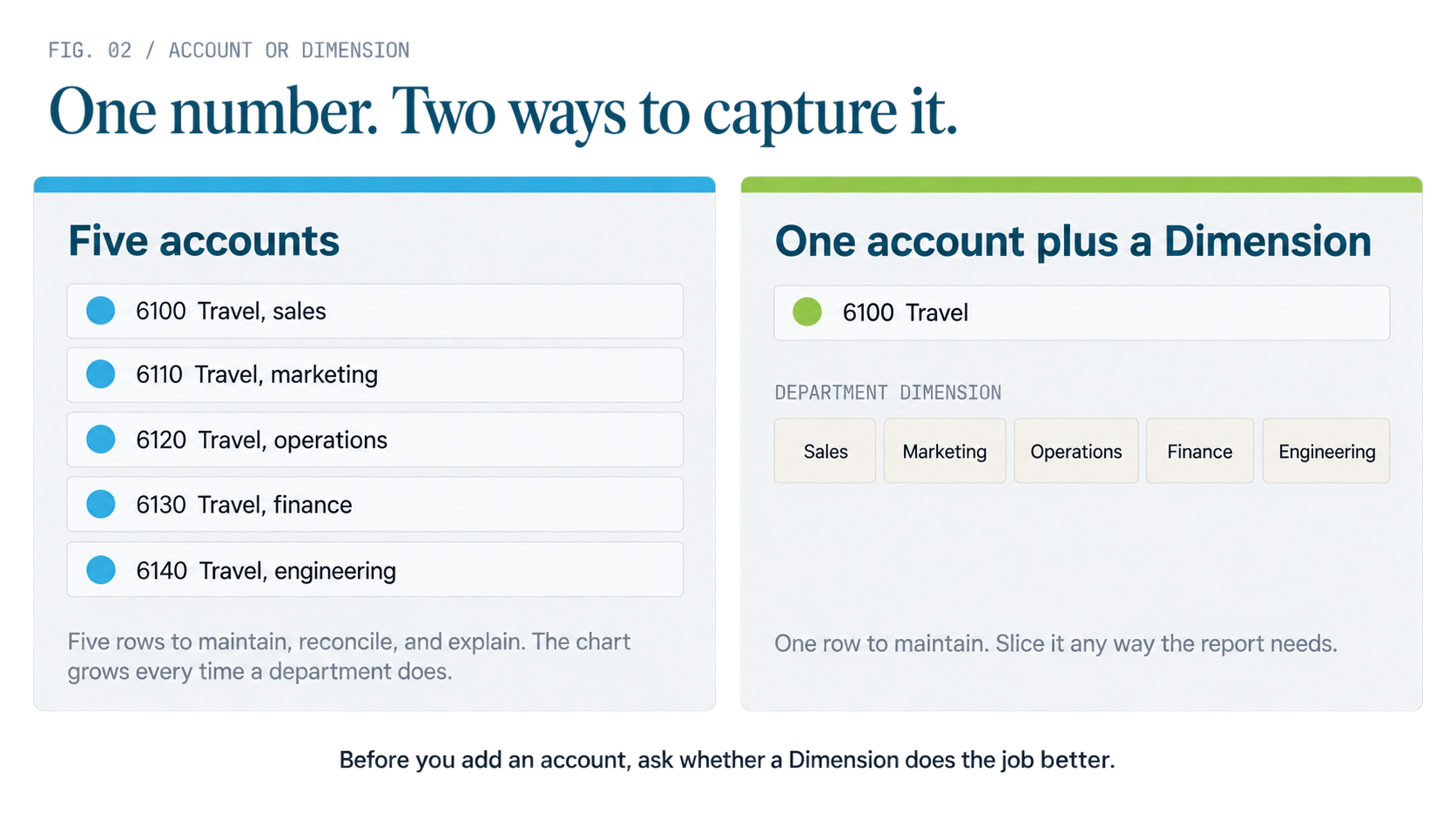
Adding an account feels safe. More granularity, more visibility. In practice each account adds complexity to maintain, surface to reconcile, and load on every person who has to explain the financials later. An account earns its place only when it answers a question no other account or Dimension can answer on its own. Revenue by product line might justify an account. Cost by department, region, or project rarely should. That detail belongs in Dimensions, which slice the same data without inflating the structure. We go deep on Dimensions in Part 3. For now, one rule: before you add an account, ask whether a Dimension does the job better.
MYTH 03 / THE ASSUMPTION
We should match our old system.
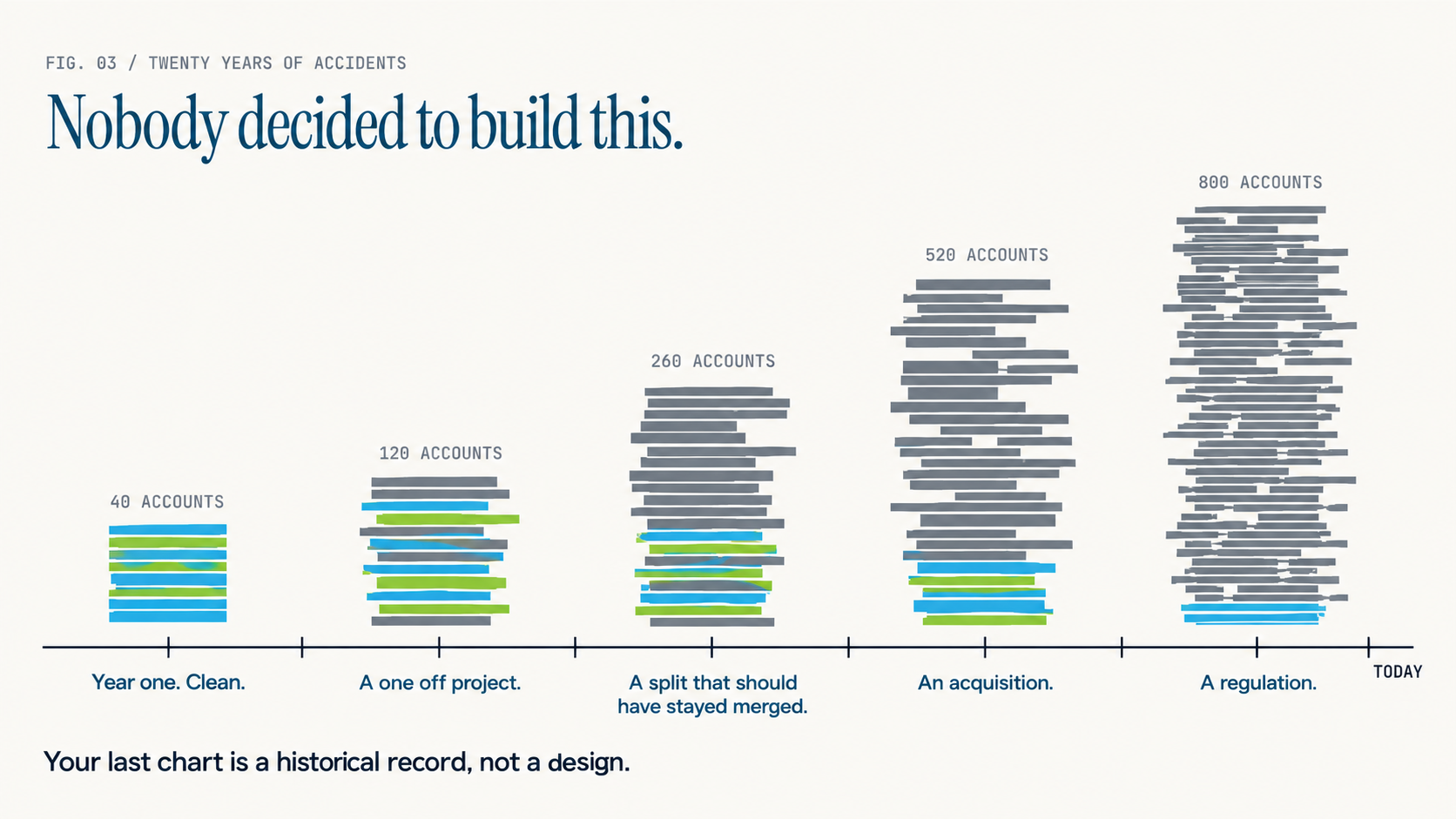
Reality. Your last chart is a historical record, not a design.
Legacy charts grow by accident. A reasonable structure gets an account bolted on for one project, then a split that should have stayed merged, then an acquisition, then a regulation. A decade later it has 800 accounts and no one can explain half of them. Importing that into Business Central does not carry over institutional knowledge. It carries over confusion, plus the reasoning of whoever set up a general ledger in 1998. A migration is a rare chance to design for how the business thinks now. Use it.
MYTH 04 / THE ASSUMPTION
We can restructure the chart later.
Reality. After transactions post, changing it is a project, not an edit.
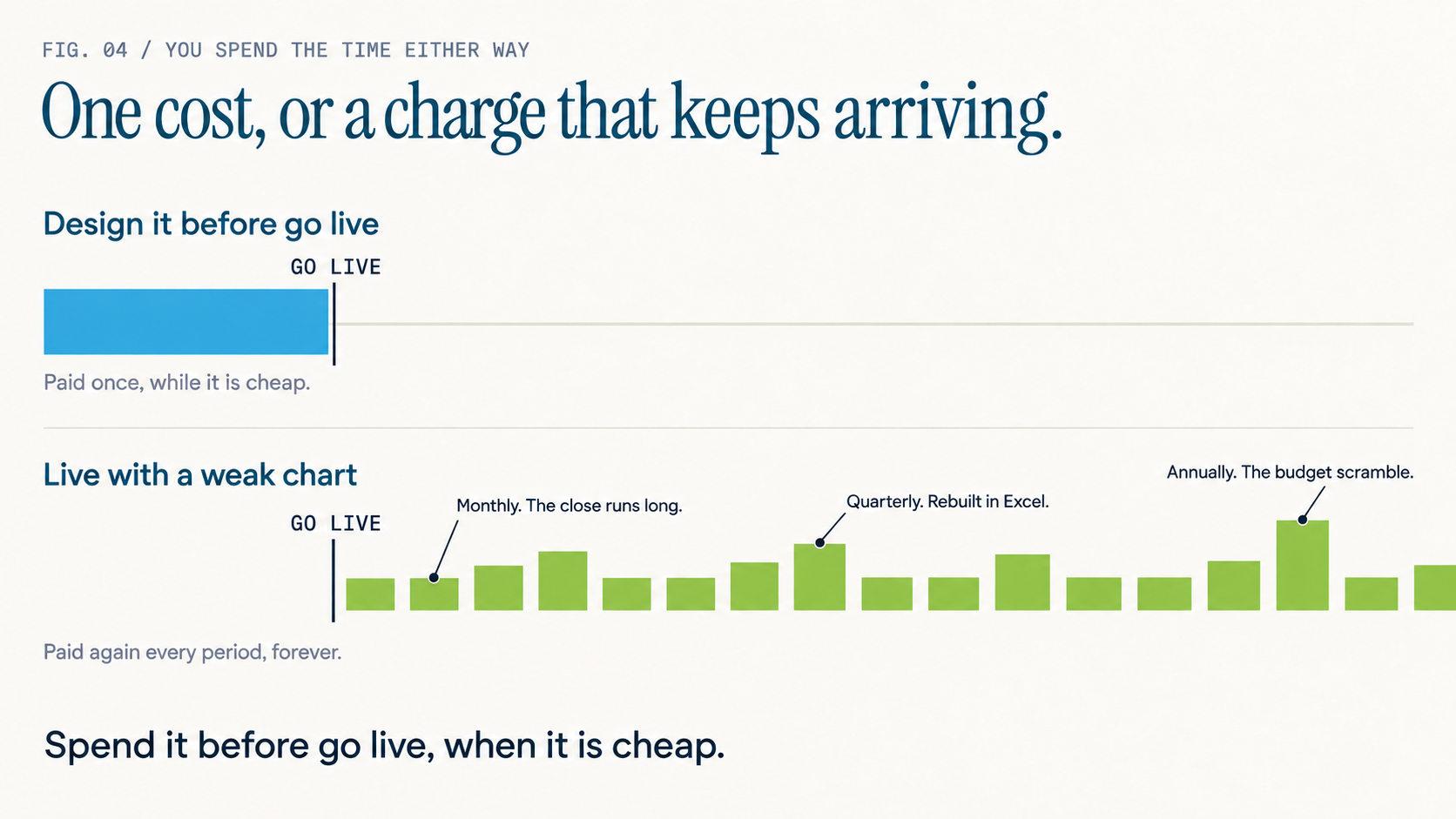
You can change a process. You can retrain a team. You can rebuild a dashboard in an afternoon. Restructuring a chart of accounts after you have posted against it is none of those. It puts history, comparability, and audit at risk. Plenty of organizations price the fix and decide it is cheaper to live with the bad structure. That is the trap. A weak chart is not a one-time mistake. It is a charge that lands every month the close runs long, every quarter someone rebuilds the numbers in Excel, and every year the budget takes a heroic push to reach a baseline people believe. You spend the time either way. Spend it before go-live, when it is cheap.
MYTH 05 / THE ASSUMPTION
If reporting is painful, the tool is the problem.
Reality. The pain is almost always upstream of the tool.
When the close drags and Power BI returns nonsense, the blame lands on Business Central. The platform is rarely the issue. Business Central reports what the structure gives it. If the structure cannot separate management reporting from statutory reporting without a transformation layer in between, no report layout or BI model will save you. A well-designed chart is not the most granular one or the most conservative one. It is the one that lets the people who live with it produce a correct number without manual surgery first.
MYTH 06 / THE ASSUMPTION
Reporting requirements can wait until after setup.
Reality. The reporting questions come first, or the design is a guess.
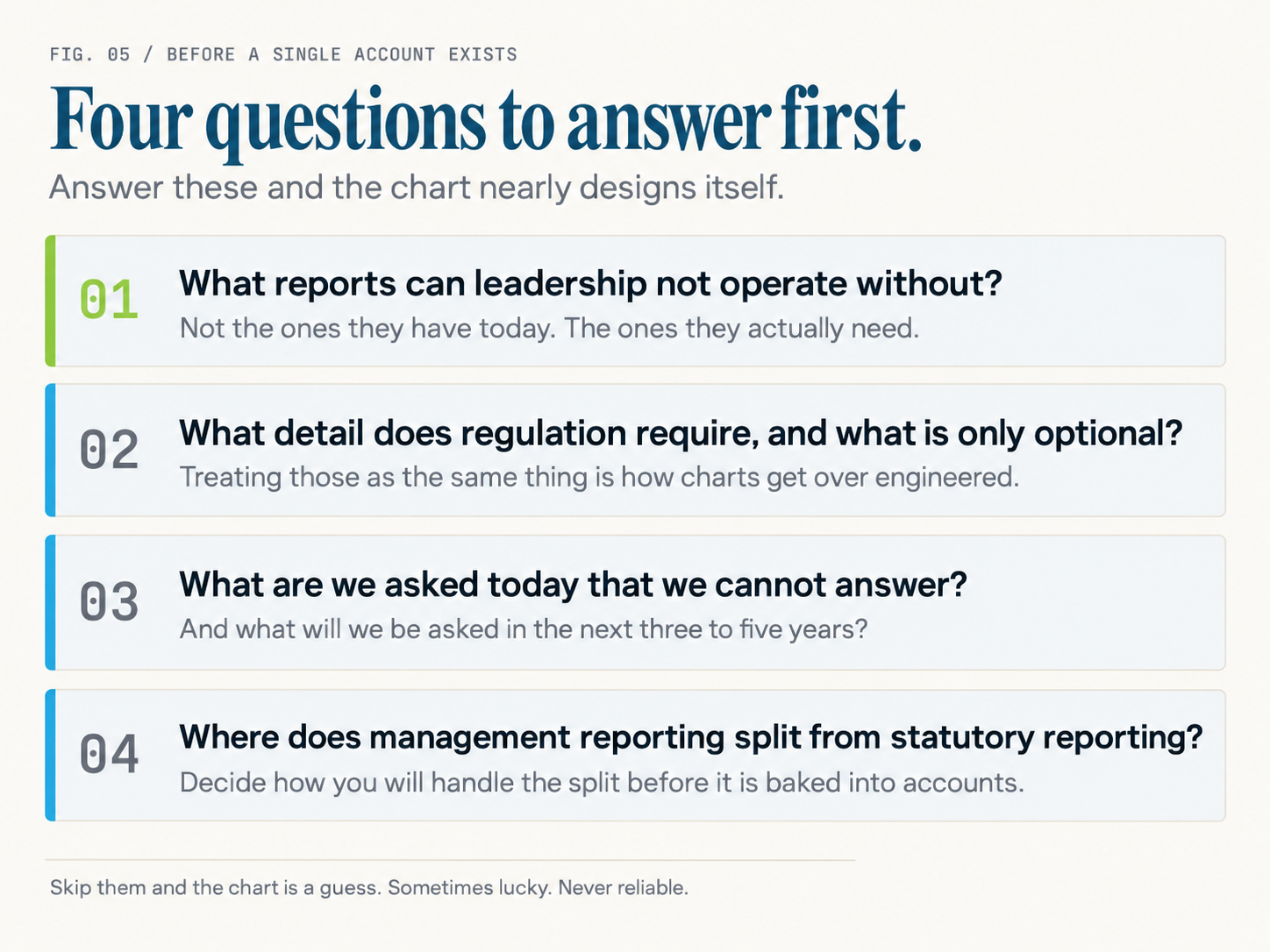
Before a single account exists, an implementation should be able to answer four things.
What reports can leadership not operate without? Not the ones they have today. The ones they actually need.
What detail does regulation require, and what is only optional? Treating those as the same thing is how charts get over-engineered.
What are we asked today that we cannot answer? And what will we be asked in the next three to five years?
Where does management reporting split from statutory reporting? Decide how you will handle the split before it is baked into accounts.
Answer these first and the chart nearly designs itself. Skip them and the chart is a guess. Sometimes lucky. Never reliable.
Where this series goes
Business Central is a strong platform. We have run it and its predecessor for 25 years. It rewards a structure built for reporting and punishes one built for habit. This series works upstream of the software and the reports, at the decisions that set what is possible before anyone clicks a button.
Ahead: designing a chart for Business Central rather than your last ERP, when to use an account versus a Dimension, the reporting requirements to capture first, how the chart shapes budgets and forecasts, and how to fix a structure that is already broken. Each part stands alone, so start where your team is stuck.
Start here if you can. The chart of accounts is where reporting is designed. The report layout, the BI tool, and the month-end close are all downstream.