

Dynamics GP
Plan your move from Dynamics GP to Dynamics 365 Business Central before Microsoft ends GP support on December 31, 2029. A system with this much history deserves a planned handover, not a surprise farewell party.
Why Dynamics GP
A measured path forward from Dynamics GP
Dynamics GP remains a working system for many organizations, while Microsoft’s current support window gives the next decision a clear date. TruNova helps assess the existing deployment, prepare a migration plan, and compare Business Central with the specialist systems and processes that still matter to the business.
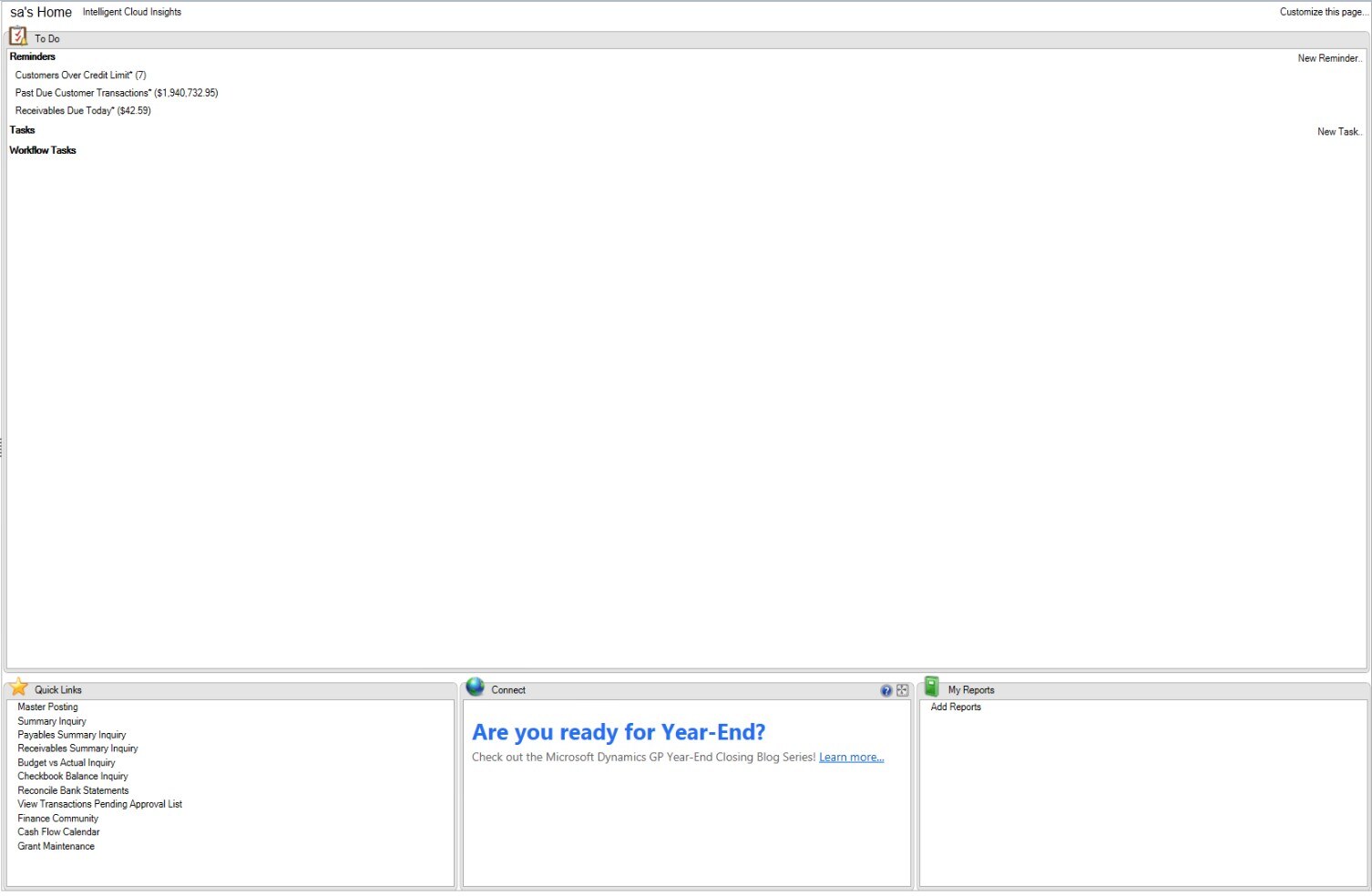
Planning your move from Dynamics GP
Dynamics GP version 18.x remains under Microsoft’s Modern Lifecycle Policy. Microsoft plans to end support on December 31, 2029. Security updates and patches, if needed, are available until April 30, 2031. Use the remaining support period to prepare a migration plan. Four things to include in your plan:
- Microsoft’s published support plan includes product enhancements and regulatory updates until December 31, 2029.
- Security updates and patches, if needed, continue until April 30, 2031; review your security and migration plans.
- Plan for integration and compatibility work as connected systems and your GP deployment change.
- Partner availability and migration capacity vary; identify the support and skills your organization needs.
A migration review may be useful if: your GP hosting costs keep climbing, you’re manually re-keying data into other systems, you can’t get accurate real-time reporting, or your team has built workarounds instead of working in GP directly.
Sound familiar?
When Dynamics GP is worth a closer look
Start with the work that needs to change. These are useful reasons to assess the fit.
- Microsoft GP support dates make it useful to understand your migration, modernization, or continued operation options now.
- Your team needs a grounded view of data, customizations, integrations, reporting, and process changes before choosing a destination.
- You want a staged review that can preserve valuable history and specialist workflows while reducing avoidable migration risk.
What changes for your team
Dynamics 365 Business Central is Microsoft’s cloud destination for a planned migration from Dynamics GP: cloud-based and accessible from any device, with AI-powered forecasting and reporting, direct integration with Microsoft Teams, Outlook, Power BI, and the rest of Microsoft 365, and continuous updates instead of a costly version upgrade every few years.
| Pain point on GP | The fix in Business Central | The result |
|---|---|---|
| Aging, on-premises system that’s hard to maintain | Cloud-based ERP accessible from anywhere | Lower IT costs, better uptime |
| Disconnected data between GP and everything else | Native integration with Microsoft 365 and Power Platform | One connected system instead of several |
| Support and product enhancements have a scheduled end date | Continuous updates and built-in AI capabilities | Ongoing updates, subject to the service’s lifecycle and your configuration |
| Costly upgrades every few years | Updates included with the subscription | Plan subscription costs and cutover with your partner |
TruNova runs this as a fixed-scope migration: upfront pricing, clear deliverables, and no mid-project surprise charges. One real example: Great Bend Recreation Commission moved off a 20-year-old Dynamics GP system onto Business Central in five months, on time and on budget. Read the case study →
Dynamics GP with TruNova
The partner behind the implementation
TruNova helps with GP assessment, migration planning, Business Central implementation, data and integration work, training, and post go live support.
Separate software from services
Software pricing and implementation costs
Dynamics GP is a legacy product and Microsoft does not publish a new GP subscription price on its current product page. Business Central prices describe a possible migration target. Microsoft’s support dates, your purchase channel, partner scope, data work, and specialist applications all need confirmation before budgeting.
| Plan or option | Published US price | Billing and scope |
|---|---|---|
| Dynamics GP legacy product | No current new SKU price published | Microsoft says product enhancements, regulatory tax updates, and technical support end December 31, 2029. Security updates and patches, if needed, are available until April 30, 2031. |
| Business Central Essentials migration target | $80.00 | US user/month, paid yearly. This is a Business Central license, not a Dynamics GP price. |
| Business Central Premium migration target | $110.00 | US user/month, paid yearly. Adds manufacturing and service management to Essentials; this is not a Dynamics GP price. |
| Business Central Team Members migration target | $8.00 | US user/month, paid yearly. Provides limited read, approval, and selected update access; this is not a Dynamics GP price. |
US pricing checked September 7, 2026. Welcome to Dynamics GP Business Central pricing Dynamics GP to Business Central migration Prices, availability, taxes, and regional terms may vary.
What changes the implementation budget?
- The GP version, companies, modules, customizations, historical data, extensions, and the records that must remain available after a move.
- The fit of Business Central for finance, inventory, sales, projects, manufacturing, and service alongside payroll and specialist applications.
- Cutover sequencing, data validation, user permissions, reporting continuity, integration changes, and the support plan after migration.
Software fees do not include TruNova implementation services. Our estimate tool provides an initial planning range. We confirm scope, dependencies, and pricing during discovery.
Works with your wider business
Keep the tools. Connect the work.
Dynamics 365 Business Central
Microsoft provides cloud migration tools for selected GP data. Discovery determines what migrates, what stays in an archive or specialist system, and what needs redesign before cutover.
Power BI
Use reporting to make the current GP picture and the migration target easier to compare, with measures and history defined before dashboards are rebuilt.
Power Automate
Assess recurring handoffs and notifications for supported connections after the GP process, permissions, and exception paths are documented.
Questions about Dynamics GP
Before you decide
When does Microsoft end Dynamics GP support?
Microsoft says product enhancements, regulatory tax updates, and technical support end on December 31, 2029. Security updates and patches, if needed, are available until April 30, 2031. Microsoft also says ongoing support will be provided to the best of its ability, so a review should happen before those dates.
Does every Dynamics GP customer need to move to Business Central now?
The timing and destination depend on your version, modules, customizations, integrations, reporting, support needs, and business plans. A migration review can compare Business Central, staged modernization, and continued operation during the support window without assuming one path fits every organization.
Can GP history and specialist systems stay part of the plan?
Yes. Microsoft documents configurable GP data migration and a historical snapshot for supported records. Discovery also identifies payroll, warehouse, manufacturing, reporting, and other specialist systems that need a supported connection or a deliberate handoff.
Work with TruNova
Where are you starting?
Start
Outgrown the tools you have? Let us plan the next system around your team.
Optimize
Already using the tools? Let us help with the steps that still take too much work.
Rescue
In the middle of an implementation that is going wrong? Bring us what is stuck.
Support and ongoing education for your system and your team.
Already using Dynamics GP? The $4,000 System optimization review covers one application over two weeks, with up to five priority pain points and a report with cost estimates. Implementation of recommendations is a separate project.

What could your project cost?
Wondering what it would take? Tell the estimate tool a little about your team and your systems for an initial planning range. We can talk through the details together.
A starting point for planning. We confirm scope and pricing during discovery.